Minston’s moved to MinerOp. Online orders at the deli grew 5x.
Three websites moved to MinerOp, each with ordering that goes straight to its own register. No marketplace commission.
Read the story →The MinerOp app for iPhone and Android is now available in beta. Leads, calls, texts and jobs in your pocket. Sign in with your MinerOp account.
Customers order right on your website, never sent off to another ordering app or marketplace. Payment goes straight into your point of sale, and the order lands on the register and prints in the kitchen. Mark a dish sold out at the till and the website stops selling it too.
We build and run online ordering for working restaurants. Real orders, on the register, printing to a real kitchen. Everything in this package came out of that, including the parts nobody writes on a brochure.
A price goes up at the till and not online. A special never makes it to the site. The oxtail sells out at 7pm and keeps getting ordered until 9, and somebody at the counter has to call the customer and sort it out.
Keep one menu, on the register your staff ring up all day, and let the website follow it.
Everything in the package removes a step between somebody wanting your food and you getting paid for it.
No order button that sends people off to another company’s page. They browse, order and pay on your website, under your name.
The online menu is built from the items, sizes and options already on your point of sale. Change it at the till, not in a second portal.
Mark a dish unavailable on your register the way you already do. The website stops selling it.
Payment goes straight into your point of sale, and the order lands on the register as the same items, printing on the kitchen printer your staff already use.
Customers who opt in get a text when their order is ready, so fewer calls asking where it is.
Your own site on your own domain, with ordering built in. Not a marketplace page next to your competitor.
Orders are paid through your own merchant account. Normal card processing fees still apply.
Every online order adds the customer to your list in MinerOp, so the next special reaches the people who already order from you.
Email and text your customer list when there is a new special, a catering menu or a holiday hours change.
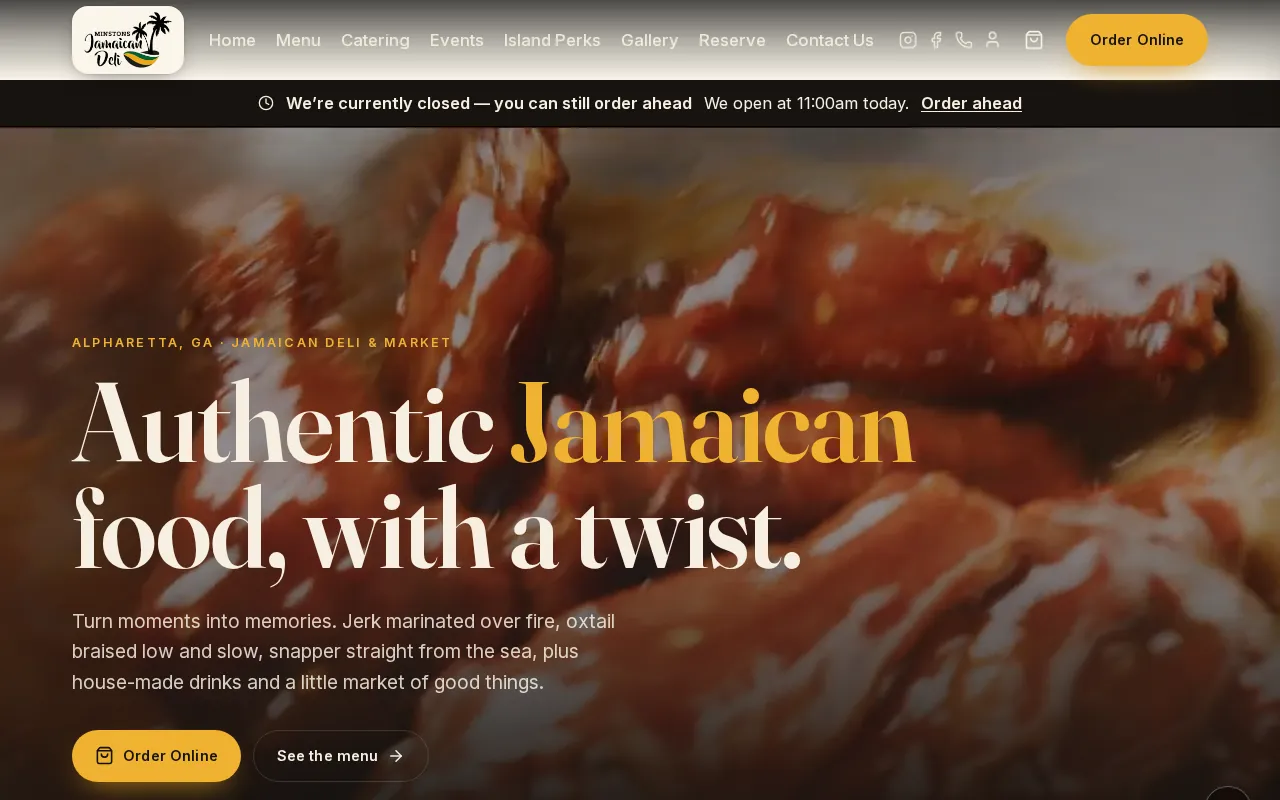
Three websites moved to MinerOp, each with ordering that goes straight to its own register. No marketplace commission.
Read the story →Your menu, a table request and the text when you miss a call, the way they land on a guest's phone. Screens are from our demo restaurant.
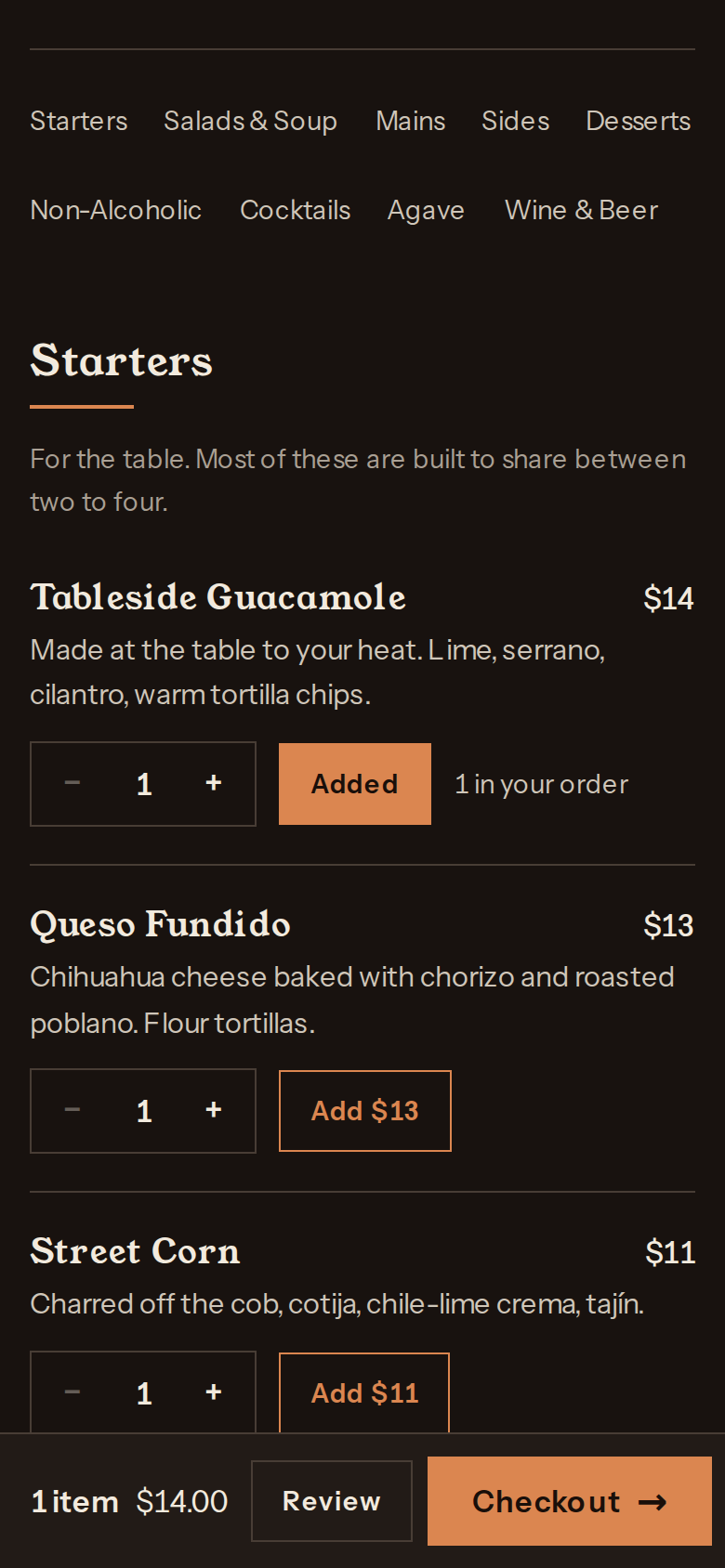
Guests order from the menu on your own website, with prices from your register.
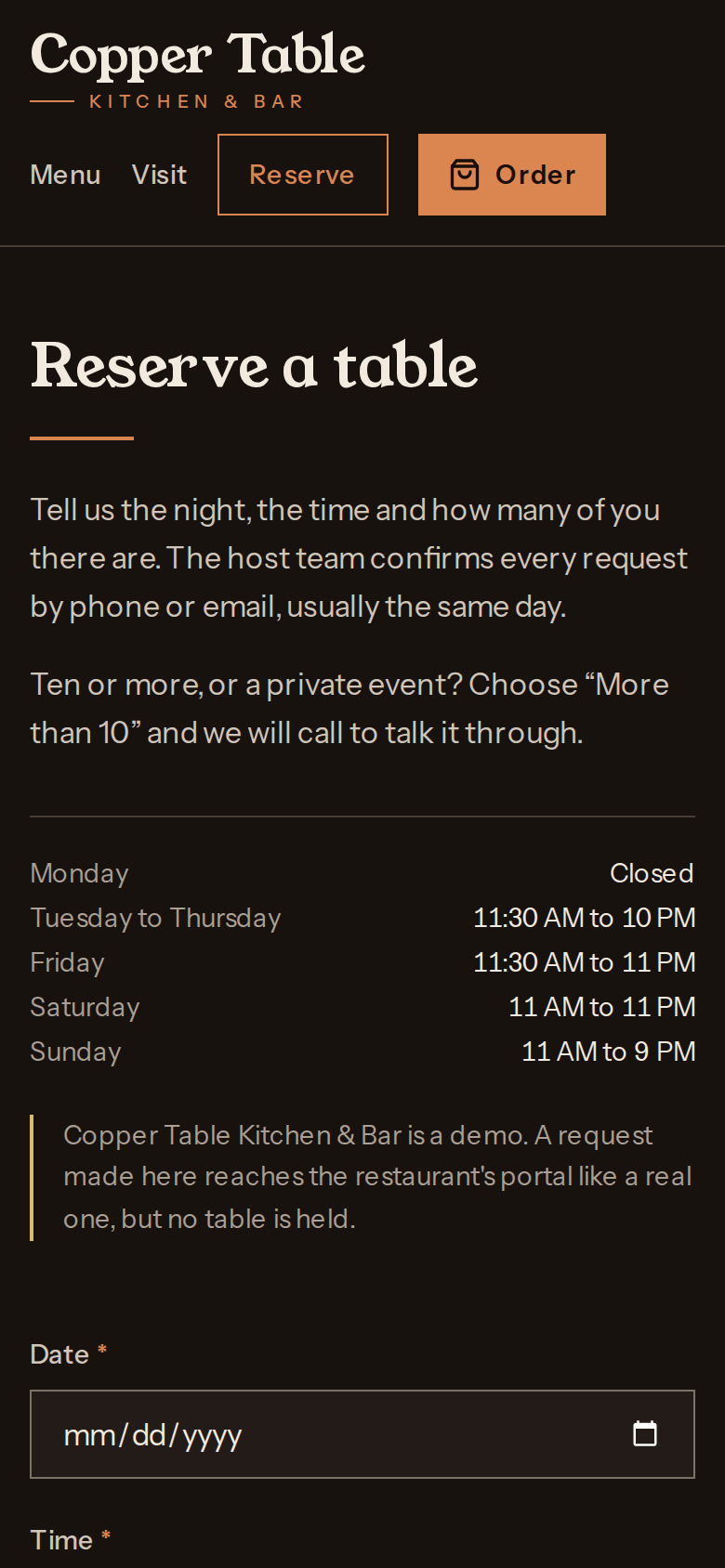
Guests ask for a table on your website, and the request lands with your team to confirm.
Nobody could pick up and they left no voicemail. Seconds later, a text from your business number.
The register your team already runs stays the register your team already runs. We connect the website to it.
Your current site, your menu, your checkout. We tell you what is costing you orders, in plain language, whether or not you go further.
We match the website menu to the items on your register, so orders land as real items and sold-out dishes come off the site on their own.
On the till your staff already know. No new hardware, no training day.
The menu, the sold-out items and the orders stay on the register you already run. Tell us which one it is and we confirm exactly what the connection looks like before you change anything.
We work with restaurants across Alpharetta, Cumming, Johns Creek, Milton, Roswell, Sandy Springs, Duluth, Dunwoody, Suwanee, Woodstock, Marietta, and Kennesaw.
A real person calls you within one business day. We ask which register you run, where online orders come from now and what the kitchen needs, then show you what ordering on your own website would look like.
A real person calls you within one business day.
We will go through it and tell you what is costing you orders, whether or not you go any further.